New DarkMail 1.0 is now available

Email,
rebuilt for AI.

The native macOS email client built for autonomous agents. DarkMail gives AI assistants structured, permission-aware access to email while keeping humans in control. Built natively for macOS with speed, privacy, and automation at its core.

macOS 13.0+ · Apple Silicon & Intel

DarkMail installer disc
Agent Inboxes
◆ Sales Agent 12
◆ Support Agent 8
◆ Finance Agent 3
◆ Personal 2
+ New Agent
System
⚙ Approval Queue 7
☰ Activity
⚙ Settings
Inbox / Sales Agent 12 Unread
Acme Corp
a.priority High a.intent Sales Enterprise
Summary All Context Details
Acme Corp is interested in our enterprise plan for their team of 50 users. They need SSO, audit logs, and priority support.
Detected Entities
Acme Corp (Company)
50 Users (Team Size)
SSO (Requirement)
Native macOS
Swift & SwiftUI
Apple Silicon
Fully optimized
Offline Ready
Local first
AI Native
Built for agents
Open API
Developer first
Privacy First
Your data, yours

Stop treating AI like a human clicking emails.

Traditional email clients were designed for people. DarkMail was designed for AI systems that need structured access to conversations, attachments, metadata, permissions, and workflows.

Interface matters. Infrastructure changes everything.

This is the email layer for autonomous software.

Traditional Email Clients

📩
  • Mouse clicks
  • Unread counters
  • Folders
  • Notifications
  • Manual actions
VS

DarkMail

  • Structured APIs
  • Agent Permissions
  • Task Queue
  • Conversation Context
  • Automation
Capabilities

Built for Agents

Agent Inbox

Every AI assistant gets its own mailbox. Separate identities. Separate permissions. Separate history.

Permission Engine

Give an agent exactly what it needs. No more.

  • Read only
  • Reply only
  • Draft only
  • Attachment access

Conversation Memory

DarkMail understands threads. Your AI receives the entire conversation — not disconnected messages.

Structured Objects

Every message becomes structured data: sender, recipients, intent, attachments, metadata, priority, entities.

Human Approval Queue

AI drafts. You approve. One click.

Local First

Runs natively on macOS. No Electron. Fast. Private. Yours.

How it works

The AI Workflow

Incoming Email

Email arrives in your inbox.

DarkMail Parser

Structures and understands the message.

AI Agent

Analyzes context and determines intent.

Actions

Agent creates drafts, tasks, or updates systems.

Human Approval

You review and approve when needed.

Send

Message sent with full context and confidence.

Built for Markus

Markus needed a way to interact with email like an operating system — not like a person.

DarkMail became the communication layer between AI agents and the outside world.

Now every message can become work.

Customers
Partners
Vendors
Agents
Systems
Automation

Designed for Developers

Powerful APIs. Native SDK. Build the future.

let emails = try await darkmail.inbox(.salesAgent)

let urgent = emails
  .filter { $0.priority == .high }
  .withAttachments()

let result = try await markus.reply(
  to: urgent,
  using: salesAgent,
  approval: .required
)
Swift SDK
Python SDK
TypeScript SDK
REST API
GraphQL API

Native Performance

Built with modern macOS technologies for speed, reliability, and efficiency.

Apple Silicon
Optimized
SwiftUI
Native
Instant Search
Keyboard Driven

Security by Design

Your data is yours. Always.

E2E Encryption
Audit Logging
Full transparency
Per-Agent Perms
Scoped control
Human Approval
Always in control
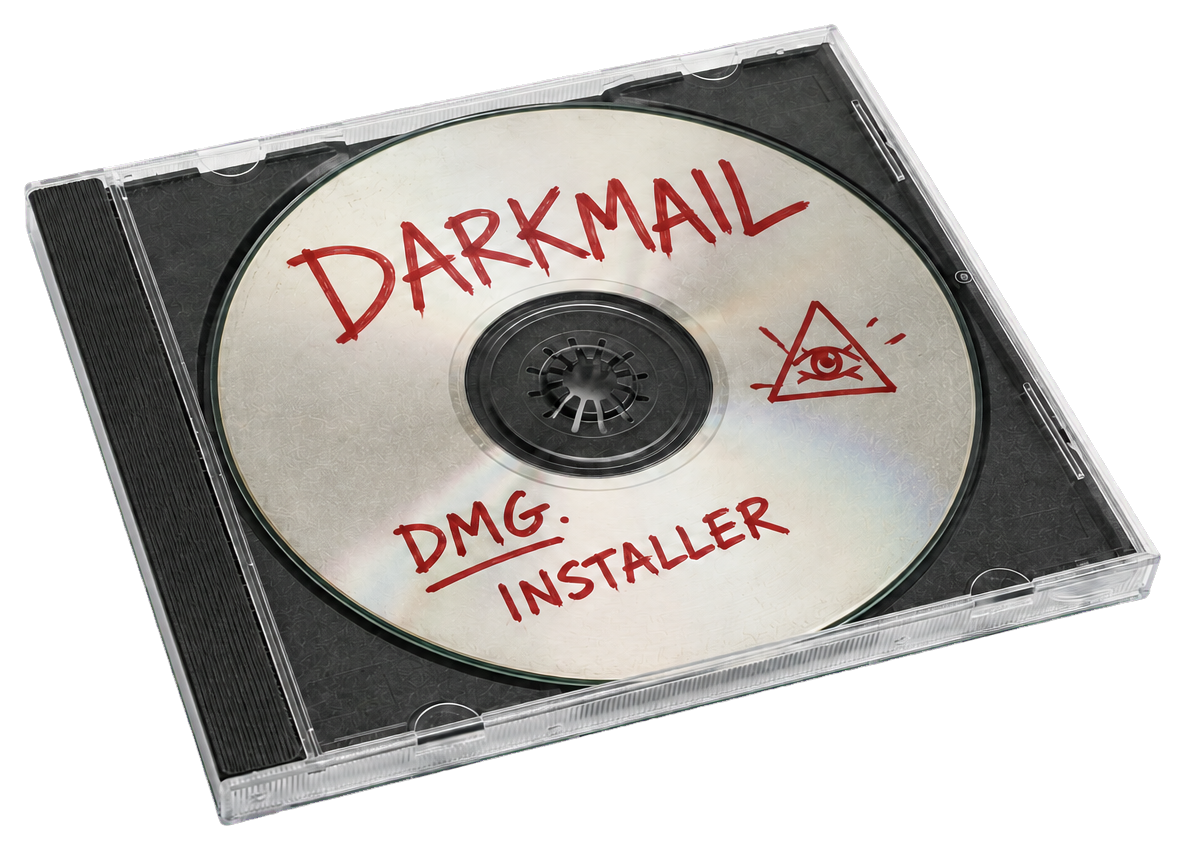
DarkMail installer disc
DMG. INSTALLER

Not distributed.
Burned.

DarkMail ships the way underground software always did — no app store, no cloud dashboard, no managed service. One disc image. Your machine. Your rules.

Download the DMG installer, drag it into Applications, and own your email infrastructure. No accounts, no telemetry, no middlemen.

darkmail-1.0.dmg · 48.2 MB · SHA-256 verified
macOS 13.0+ · Apple Silicon & Intel · Signed & Notarized

Why DarkMail Exists

Email hasn't fundamentally changed in decades. Humans still manually classify, summarize, draft, and respond to thousands of repetitive messages.

AI changes the interface.

DarkMail transforms email into structured tasks that autonomous assistants can understand, reason about, and execute — while keeping the user in complete control.

Download for macOS

Community

Free
For individuals getting started with AI-powered email.
  • 1 Mailbox
  • Basic agents
  • Local AI triage

Enterprise

Custom
For teams with advanced security and scale needs.
  • Everything in Pro
  • SSO & SAML
  • Audit logging
  • Private deployments

Frequently Asked Questions

Does DarkMail replace Apple Mail?

DarkMail can run alongside or replace Apple Mail. It connects to the same IMAP/SMTP accounts but adds AI agent capabilities on top.

Does it work with Gmail?

Yes. DarkMail works with any IMAP/SMTP provider including Gmail, Outlook, Fastmail, Proton, and custom domains.

Can AI send emails automatically?

Only if you enable Autopilot mode. By default, all AI-drafted messages go through the human approval queue first.

Does it work offline?

Yes. DarkMail caches everything locally. You can read, search, and draft offline. Sync happens when you reconnect.

Is it open source?

The core engine is open source on GitHub. The Pro and Enterprise features are commercial.